Reception — PMS certification (v1)
Run the check-in demo mission in an embedded reservations view: arrivals tab, demo row, training folio, completion — instant rubric and debrief.
Checking your session…
Loading...
Hotel training
Hotel training built into your PMS
Eight operational domains (front office, housekeeping, F&B, accounting, HR, inventory, purchasing, cross-functional): built-in “How to” guides, eight live Académie paths, PMS simulation on the real dashboards with a coach banner, optional short prep quizzes — plus two immersive schools: the full F&B cashier lab (staff phone + password) and the Interactive Reception school, where lessons drive the real PMS in an embedded frame with a secure same-origin postMessage bridge so navigation, spotlights, and coach hints stay in sync — separate from the demo hotel on the sign-in page.
Staff with access: log in to open guides and interactive training. New property on Barclés SaaS: create your account, then sign in.
You can read this page without an account. Guides, “How to”, and interactive training open with your usual Barclés staff login — the same identity you use for day-to-day hotel tools.
8
major PMS areas in the training catalogue
8
live Académie paths + PMS simulation; two flagship labs (F&B POS school + reception desk with embedded PMS & postMessage coach)
Native guides
step-by-step “How to” in the same product you run daily
One is built around the real POS handset flow (trainer mode, staff login, session history). The other is the Interactive Reception school: your lesson stays in charge while the PMS runs inside the page — postMessage keeps routes, menu spotlights, and the floating coach card aligned so newcomers never wonder which screen to open next.
On-screen highlights and step-by-step popups: start here, sign in the learner (same phone and password as the staff app) and launch the session; the guided tour opens once the teacher mode is ready (after “Start training”).
Sign-in required · same intent as the “Open POS training” action on the F&B card below.
Guided submodules, scored practice, and a live PMS iframe that follows each step. When the lesson asks you to focus a screen, the parent page sends a typed postMessage: the embedded workspace navigates, highlights the right menu entry and content zone, and can surface a bilingual coach card — so learners feel “inside” the PMS, not beside a PDF.
Sign-in required · same destination as the front-office card’s interactive school link below; a guided launch adds ?guided=1 to start the walkthrough.
One sub-module per F&B menu entry (dashboard, table management, cashier, kitchen display, bar display, stock, reports…) with the **live PMS embedded** below. Each chapter ends with a 20-question quiz; your best score is kept on this device. Distinct from the POS Terminal school: this one covers the **whole department**, not just the till.
Sign-in required · same staff session as the rest of the PMS · `?guided=1` starts the walkthrough.
Scenario-based checks in the **real PMS**: your actions produce a **live score** and criteria checklist — validation that goes beyond chapter quizzes, complementary to guided flows.
Run the check-in demo mission in an embedded reservations view: arrivals tab, demo row, training folio, completion — instant rubric and debrief.
Run the sale-demo mission in the embedded POS terminal: categories, line, notes, finish — live rubric aligned with guided POS flows.
Complete the steps in order. Typical timeline: 2–4 weeks depending on your role — repeat “How to” articles, the eight live Académie paths, PMS simulations on real dashboards, the Interactive Reception school (embedded PMS + postMessage), and the full F&B POS run-through where you need it.
Use your standard staff credentials. For real training, don’t mix this up with the “Demo hotel” account on the sign-in screen.
Read and practice the “How to” guides, then open the Interactive Reception school: the same reservations and front-desk flows, with the live PMS beside your lesson and postMessage keeping the coach and highlights aligned.
Master room status, floor tasks, and coordination with the front desk for a smooth guest stay.
Start with F&B how-tos, then run the interactive POS course (learner enrolment with staff phone; sign-in with the same password as the app) to lock in the cashier flow.
Depending on your scope, use “How to” (entries, treasury, payroll, stock, purchase orders, general topics), the matching live Académie path, and PMS simulation on each real dashboard.
With the right permission, use the interactive training admin to monitor enrollments, attempts, and progress.
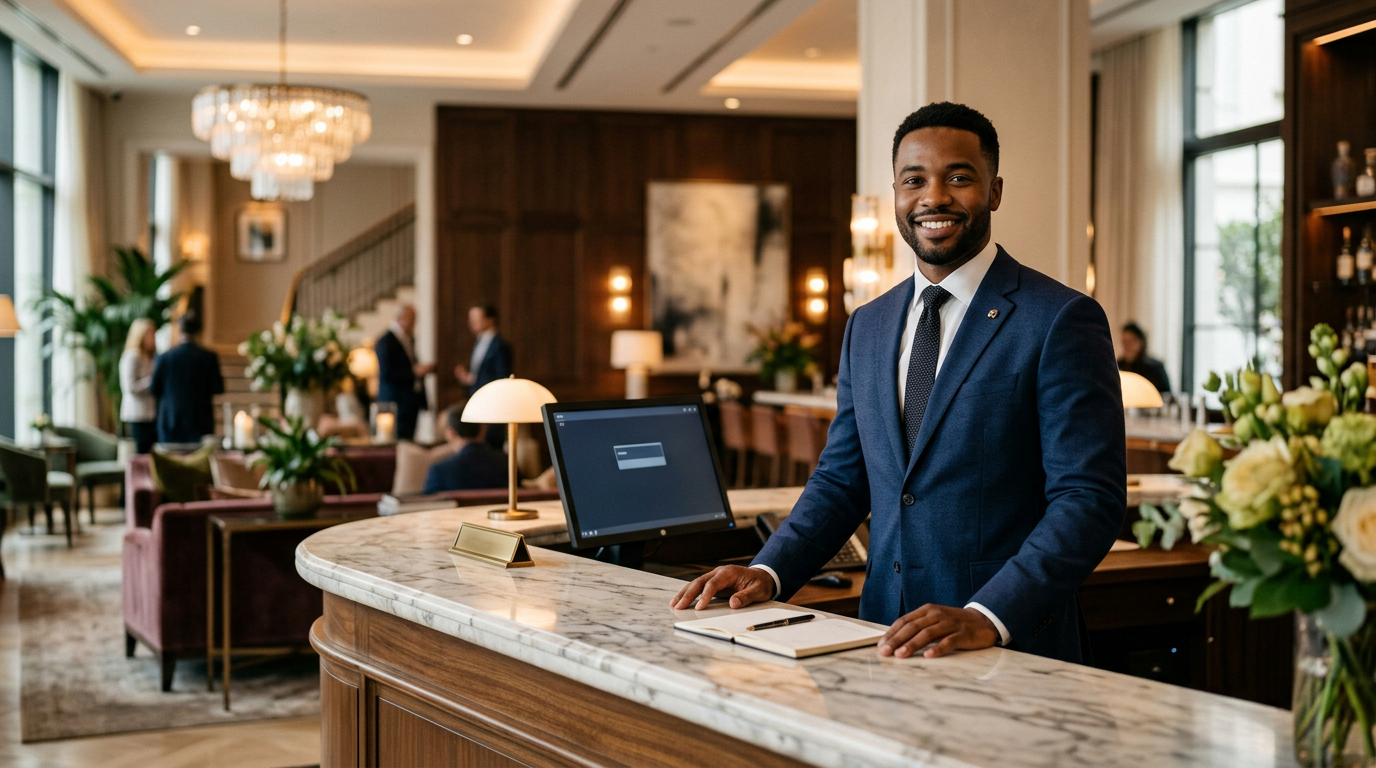
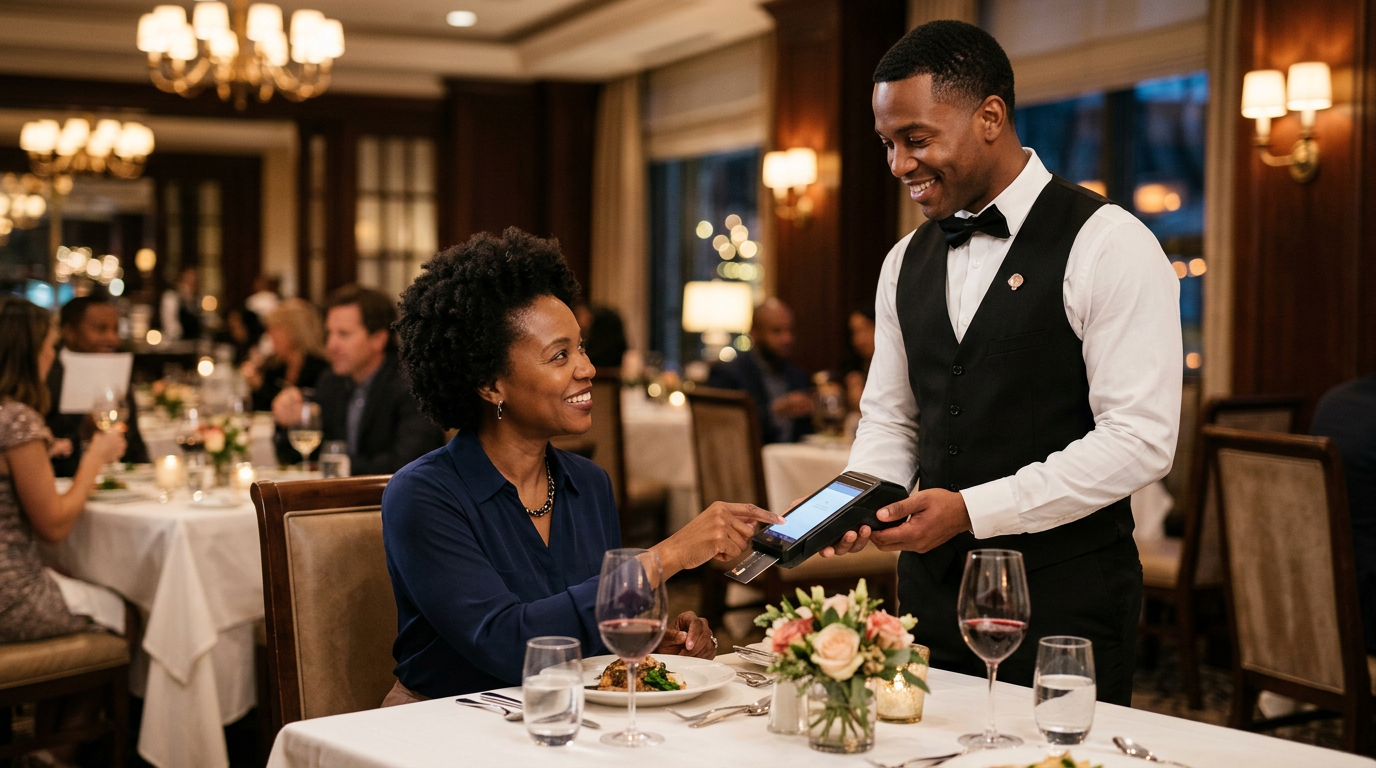
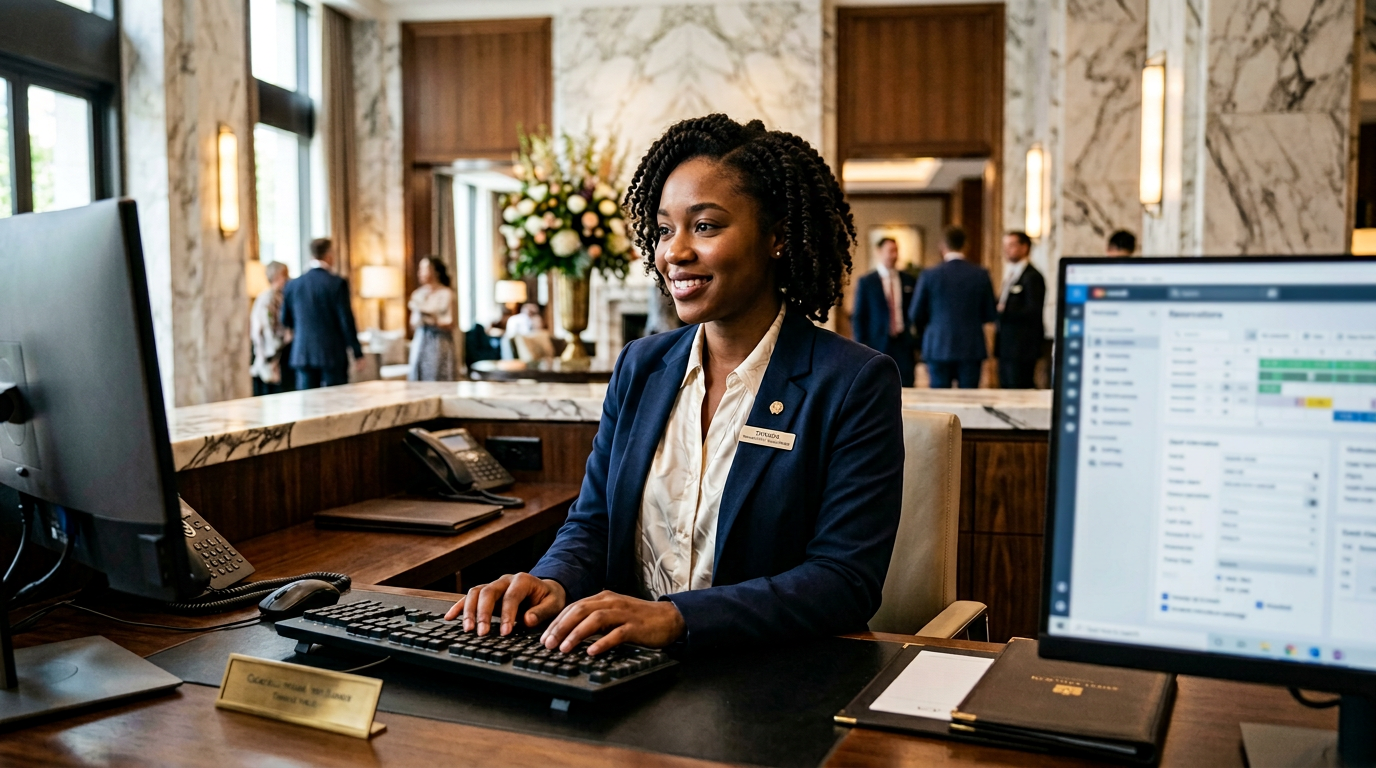
Real people, real property workflows — photography illustrates the environments Barclés Académie is built for.
Learning tied to the same screens and workflows as the PMS, so training matches daily operations.
Attempts, scores, and resume-where-you-left-off — useful signals for team leads and trainers.
Designed to grow into a full hospitality learning portal: modules, roles, auditability, at your property’s pace.
The goal: one place to train front office, F&B, housekeeping, finance, HR, stock, purchasing, and cross-team topics — live paths, PMS simulation, and where it matters most, full interactive schools (F&B POS + reception with embedded PMS and postMessage sync) on the same product you run daily, then a richer catalog when you are ready.

Eight cards below — one per domain. Each offers “How to” guides, a live Académie path (overlay on the programme page, then links into the real PMS), and a guided PMS simulation that opens your actual module dashboard with a coach. Front office adds the Interactive Reception school (embedded PMS + postMessage coach). F&B keeps the full interactive cashier school.
Tip: use Live path to orient yourself on Académie first; use PMS simulation to rehearse on the real screen with the purple banner; for reception and F&B, open the interactive schools when you want the tightest loop — the reception course even steers the embedded PMS for you via postMessage; use the optional prep quiz on Académie for a two-minute warm-up before you click in production.
Reservations, check-in/out, payments, night audit — plus the Interactive Reception school: real PMS in frame, guided steps, scored practice, and postMessage-driven navigation and coach hints.
Room status, tasks, linen inventory, and coordination with the front desk.
POS, service, kitchen and bar stock — including hands-on cashier training for floor teams.
General ledger, cash positions, reconciliations, tax, and management reporting aligned with PMS flows.
Schedules, attendance, payroll, and employee records for a structured workforce.
Items, stock movements, counts, and links to kitchen or outlets.
Purchase requests, purchase orders, goods receipt, and commitment tracking.
Shared practices, configuration, and workflows that span multiple departments.